

All databases
Through ODBC database · Beta
Databricks GUI client for Mac, Windows and Linux
Browse, edit and query Databricks through its ODBC driver, in the same app as your other databases.
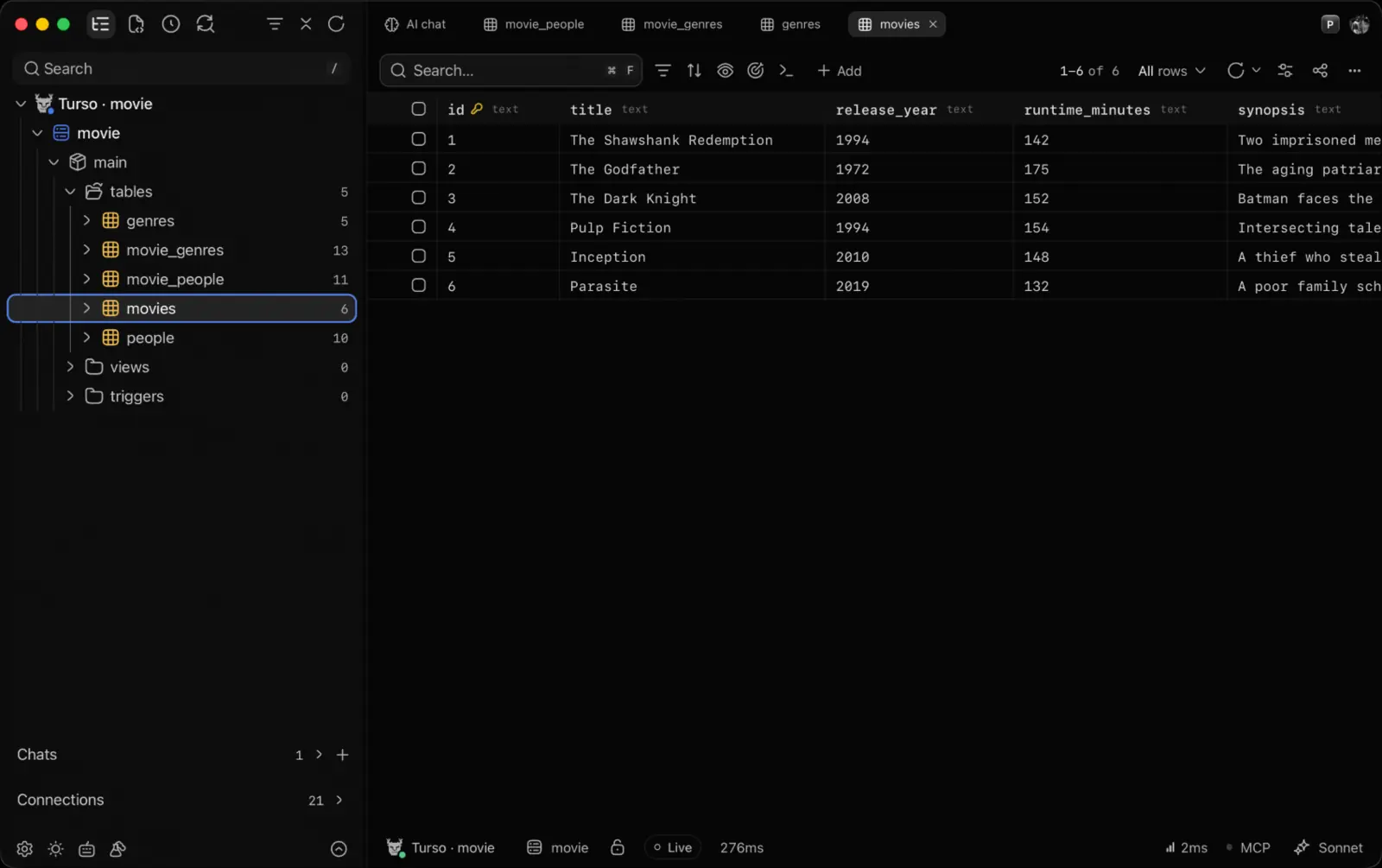
What you can do with Databricks
- A Databricks preset that picks the installed driver and asks for host, HTTP path and an access token
- Schemas, tables, columns, primary and foreign keys from the driver's catalog
- Browse, filter, sort and edit rows by primary key, with values bound as parameters
- A SQL editor whose results stream in as they arrive, and a Stop that cancels on the server
- Beta: the preset follows Databricks's driver documentation and has not yet been run against a live Databricks
- Ask the built-in AI about your Databricks data in plain words; it reads the schema first and asks before anything destructive
Connect to Databricks
Three ways in. Credentials stay in your OS keychain, never on our servers.
- 01Install the Databricks ODBC driver
- 02Choose Databricks under "Through ODBC" and fill in the fields, or pick a data source (DSN)
- 03Or paste a connection string; the password stays in your OS keychain