

All databases
Relational database
SQLite browser and editor for Mac, Windows and Linux
Open a .db file and browse, edit and query it, with no server and no setup.
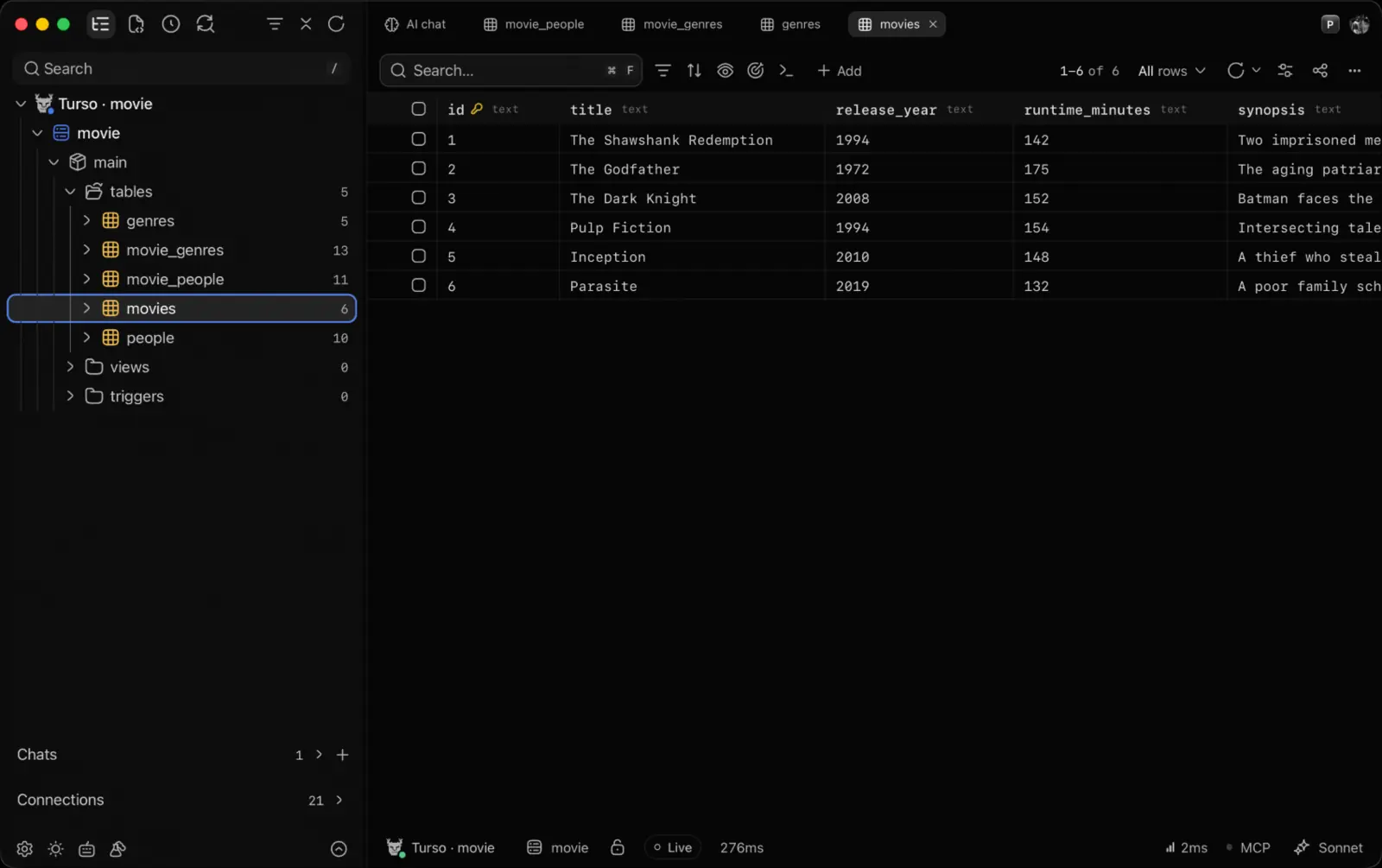
What you can do with SQLite
- Browse schemas and tables with row counts, then edit cells, insert and delete rows with a review of the SQL first
- A SQL editor with completion from your schema, formatting, history and saved queries
- Schema diagrams, EXPLAIN plans and a terminal tab running the engine's own CLI
- Drop a file on the window or paste its path
- Ask the built-in AI about your SQLite data in plain words; it reads the schema first and asks before anything destructive
Connect to SQLite
Three ways in. Credentials stay in your OS keychain, never on our servers.
- 01Paste a path to a .db, .sqlite or .sqlite3 file
- 02Or an in-memory database to try things out